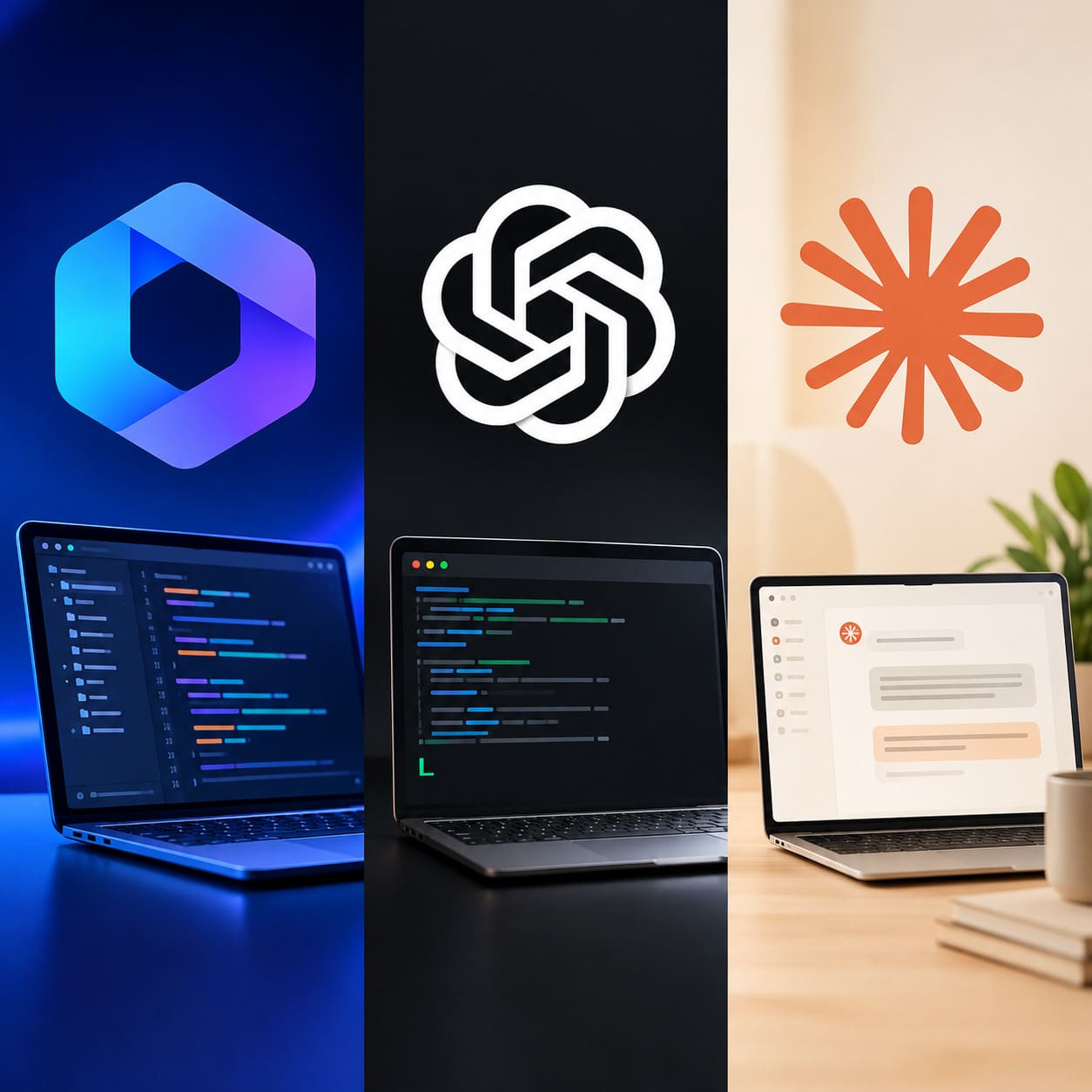
AI coding tools are making software development easier, faster and more accessible. Tasks that required hours of manual coding now can be done with the help of an AI assistant. When you are building a website, fixing bugs or working on a large software project, the right tool can make a big difference.
OpenCode, OpenAI Codex and Claude Code are all tools developers are experimenting with; they all help with coding, but have different strengths. Which tool do you choose?
Now, let’s compare OpenCode vs Codex vs Claude Code in terms of features, costs, ease of use, and performance for everyday development.
What Are OpenCode, Codex and Claude Code?
Before you invest in a tool, consider what makes it unique. OpenCode is a free-to-use AI coding agent that lets developers work with different AI models supported by the project. It is a good choice for people who like to play around with tools and want more control over their setup.
OpenAI Codex is an AI coding agent that helps programmers write code, fix bugs, approve changes and complete programming tasks. Its cloud-based workflows will allow you to delegate tasks rather than do it all manually.
Claude Code by Anthropic helps developers understand and modify code with natural-language instructions. It can work with project files and development tools to support tasks such as debugging, testing and refactoring.
There are three methods of reducing the latency (read: rewriting a blog) and making code more dynamic. Knowing which one to use depends on your style of working.
OpenCode: Best for Flexibility and Control
One of OpenCode’s biggest advantages is its open-source model. You can study its code, customize it and choose one of the supported models based on AI.
This is especially useful if you don’t want to rely on a single AI ecosystem.
Why is OpenCode useful?
OpenCode can help you write code, find bugs, explore new projects and improve your existing applications. There are various ways of working, including terminal development and other interfaces.
Another advantage of using multiple models is that you can explore them and see which model would be more useful in planning a feature and which would be more suited for coding.
Flexible features like this require some learning curve. Configuring providers and API keys, and figuring out usage costs may take time if you’re new to AI coding tools.
The other thing to take into consideration is that open source doesn’t necessarily mean all AI models are free to use.
OpenCode is best suited to developers who want flexibility, customization, and the freedom to choose a supported AI model.
OpenAI Codex: Best for Getting Coding Tasks Done
Codex approaches assisted AI development based on the task. Instead of using AI for code suggestions, developers can ask the AI to perform larger tasks such as adding a feature, fixing an issue or reviewing changes.
For example, think about whether you’re building an online shop and want to add a search filter. You can tell Codex what the filter should do, and ask them to implement it and test it.
This is particularly useful when working on repetitive tasks or managing multiple development tasks at once.
Main advantages of Codex
Codex can generate and edit code, help with bug tracking and code review and if there is enough available bandwidth, it can also do delegated work in the cloud.
For those using ChatGPT, it may be convenient to integrate it into the OpenAI ecosystem.
– You should also be aware that Codex is a premium service, and the features and usage limits depend on the product and plan. Please make sure you can access the latest features and usage limitations before you commit to a subscription.
Codex is great for developers who want practical help coding and a way to delegate programming tasks.
Claude Code: Best for Working with Existing Codebases
Claude Code can help programmers work directly with their programs, checking and following how components connect to one another, and making changes to a codebase.
This is helpful when you’re working on an already existing application and don’t know exactly where your problem starts.
So your site has a bug that affects both the login page and the user dashboard. You do not have to go through every single file yourself. Instead, ask Claude Code to review that code, explain the likely reason and recommend a fix.
Why developers choose Claude Code
Claude Code supports coding, debugging, refactoring, testing and Git-related workflows. Its terminal-based approach suits developers who prefer to keep close to their existing tools.
It can also be helpful to make changes to multiple files when you are adding a new feature that will affect parts of the application.
Like any other AI coding agent, it can make mistakes. Developers need to check its changes, run tests and check for security before deploying new code.
Claude Code is also tied to Anthropic’s model ecosystem, so developers looking for broad model-provider choice may prefer OpenCode.
Claude Code is best for developers who regularly explore, maintain and modify existing software projects.
OpenCode vs Codex vs Claude Code: Key Differences
Here’s a quick comparison to help you decide.
| Feature | OpenCode | Codex | Claude Code |
| Main strength | Flexibility | Task execution | Codebase understanding |
| Open source | Yes | No | No |
| Model options | Multiple supported providers | OpenAI models | Claude models |
| Code generation | Yes | Yes | Yes |
| Bug fixing | Yes | Yes | Yes |
| Code review | Supported workflows | Yes | Supported workflows |
| Customisation | High | Depends on the interface | Configurable |
| Best suited to | Developers who like control | Developers who delegate tasks | Developers working with existing projects |
Features can vary by version, subscription, model and integration.
Which AI Coding Tool Is Cheaper?
You are rewriting assistant. The price is important, especially if you use an AI coding assistant daily. But the total cost includes more than the subscription fee.
OpenCode is open source, but some AI models require paid API access. You will pay for that depending on the provider and how you use it.
Access and usage limitations for Codex depend on the eligible plan or access plan that you have. Check your current plan to see what’s included.
Claude Code provides different access and billing arrangements, including supported subscription and API pricing, depending on your usage and setup.
OpenCode provides you more flexibility if you want to try different providers. Codex or Claude Code may be more convenient.
Before you decide, consider how often you’ll use it, what your tasks are and how much time it saves you.
Which Coding Tool Has the Best Performance?
The overall winner isn’t necessarily the tool, but the one that may work well for a small site may not be as well-suited for a large application with many dependencies.
The easiest way to compare these tools is to assign them the same task.
Ask them to fix a bug, add a feature, write tests and explain the changes. Check if your code is working, if your tests pass, and how much need to be corrected manually.
OpenCode is a great tool to compare different supported models. You can try out Codex for delegated tasks, and Claude Code for exploring and modifying existing code.
Not all of this is about speed. Clean, secure and maintainable code is much more valuable than code that looks clean but needs huge work to make right.
Which Tool Is Best for Beginners?
If you are new to programming, choose a program that helps you understand the code rather than simply generate it.
Codex may be a good place to start if you’re already familiar with ChatGPT. Claude Code can help you examine project files and understand how different components of an application interact. OpenCode is worth considering if you’re interested in open-source tools and don’t mind spending some time configuring them.
Start out small with a small project, ask questions when things aren’t clear, and read every change. You’ll learn while getting practical help from AI.
Final Verdict
The decision between OpenCode, Codex and Claude Code may just be down to what matters most to your development workflow.
OpenCode is the obvious choice if you want to control and tweak your AI model. Codex is also worth considering if you need an integrated coding agent that can help you finish and delegate your work. Claude Code is suitable for developers who like to interact with code directly on the terminal.
News papers have increasingly covered the way AI is changing our jobs. Software development is no different. The tools are just tools that can aid us in our work.
Test the available options in a real project before you make your decision. The best AI coding tool is that one that fits your workflow, delivers reliable results and helps you build better software with less effort. Read more: Shop Counters